
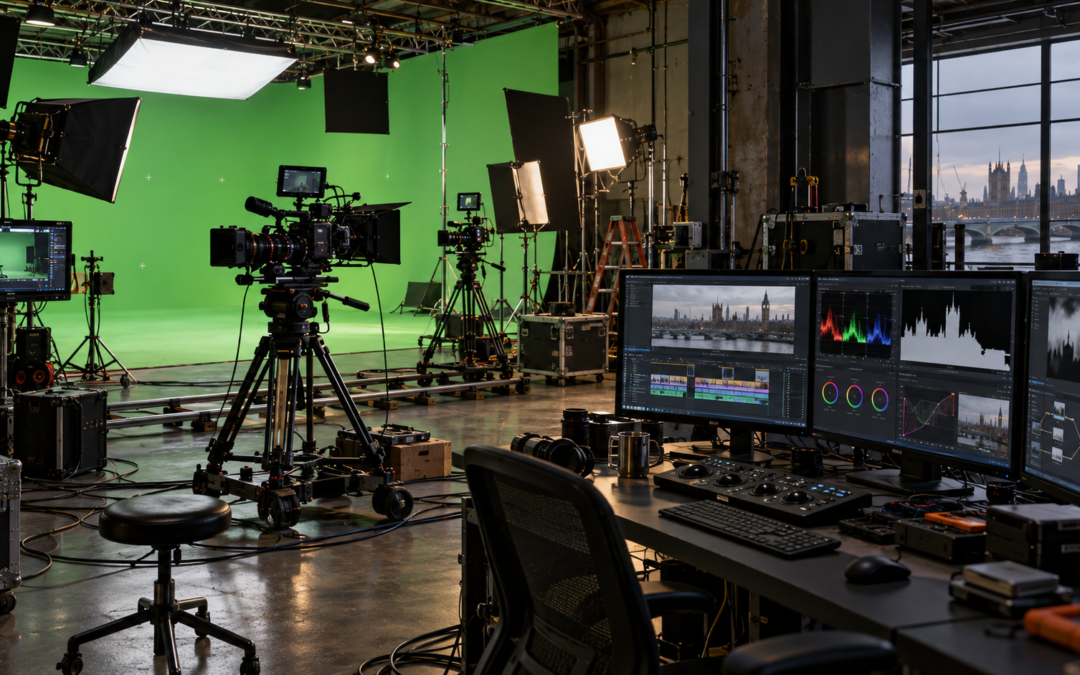
The practical shift is not that a production suddenly becomes automated from script to final master. Rather, footage, dialogue and production information can become machine-readable much earlier, allowing repetitive first-pass work to happen before an editor, sound mixer or compositor makes the decisions that require judgement.
That distinction matters. AI is most useful when it automates specific, reviewable parts of the workflow rather than attempting to replace the creative process as a whole. The useful question is therefore not “Can AI make the video?” but “Which part of the process can be indexed, searched, assembled or cleaned automatically, and where does a person need to take control again?”
An AI video production workflow usually changes the handovers between stages more than the physical act of filming. It can turn rushes into searchable material, convert speech into an editable index, create first-pass masks or reframes, prepare localisation assets and surface material that needs attention. It does not decide whether a performance is convincing, whether a cut lands at the right moment or whether a visual change is acceptable for the project.
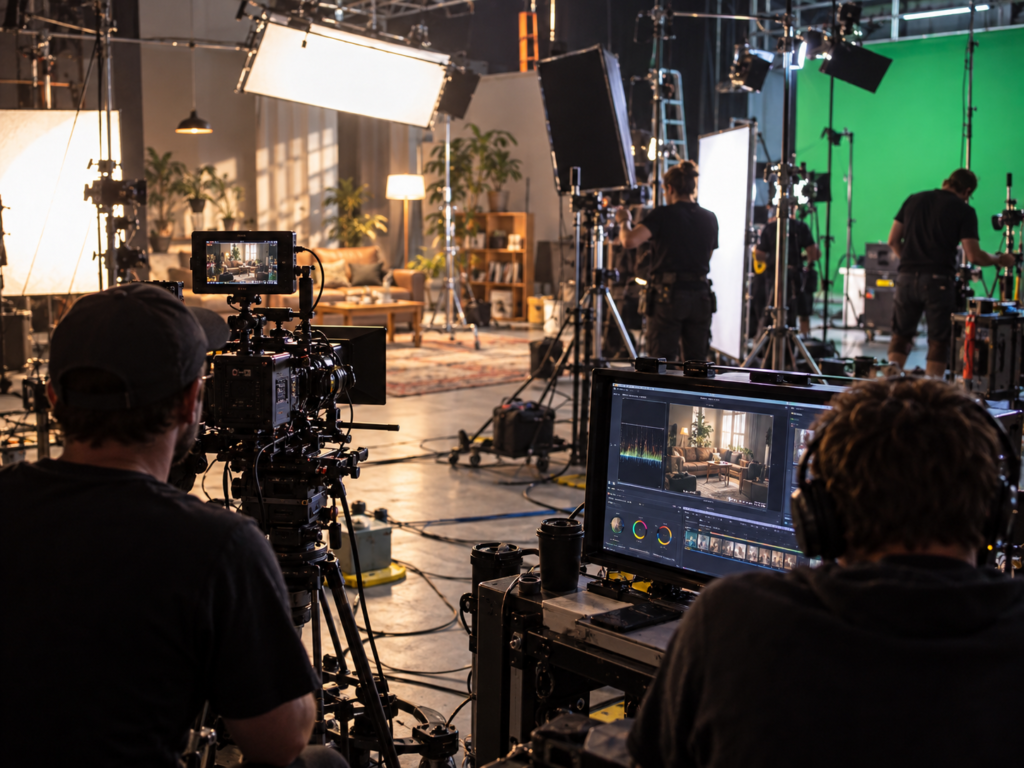
What Could Actually Change Before a Studio Shoot?
Pre-production benefits most when AI is treated as a structured first pass rather than a source of creative authority.
A useful example is script breakdown. The input may be an approved script, treatment or shooting draft. A system might extract scenes, named characters, props, locations, repeated visual requirements and dialogue-heavy sections, then return a draft breakdown that a producer can compare with the production plan.
Workflow: approved script → machine-assisted breakdown → draft scene and requirement map → producer review → revised production plan.
The important limitation is that the system can only work with the information and context available to it. It may identify that a particular prop is mentioned, for example, while being oblivious to whether that prop is dramatically essential, has already been superseded by another creative decision, or has practical significance that is never explicitly stated in the script. Equally, unless it is given the relevant production history, it may have no reason to know that the apparently authoritative script it is analysing has since been superseded by a later draft.
The resulting breakdown is therefore best treated as a structured first pass for the production team to review, bringing to it the practical and creative context that may not exist in the source document itself.
The same principle applies to storyboards and previsualisation. Generated frames can help a team test composition, set scale or coverage options before the shoot, but they should be treated as communication material rather than evidence that the physical setup will behave exactly as shown. Lens behaviour, lighting, reflections, performer movement and real spatial constraints still have to be resolved in the physical production environment.
What Changes at Ingest and During On-Set Review?
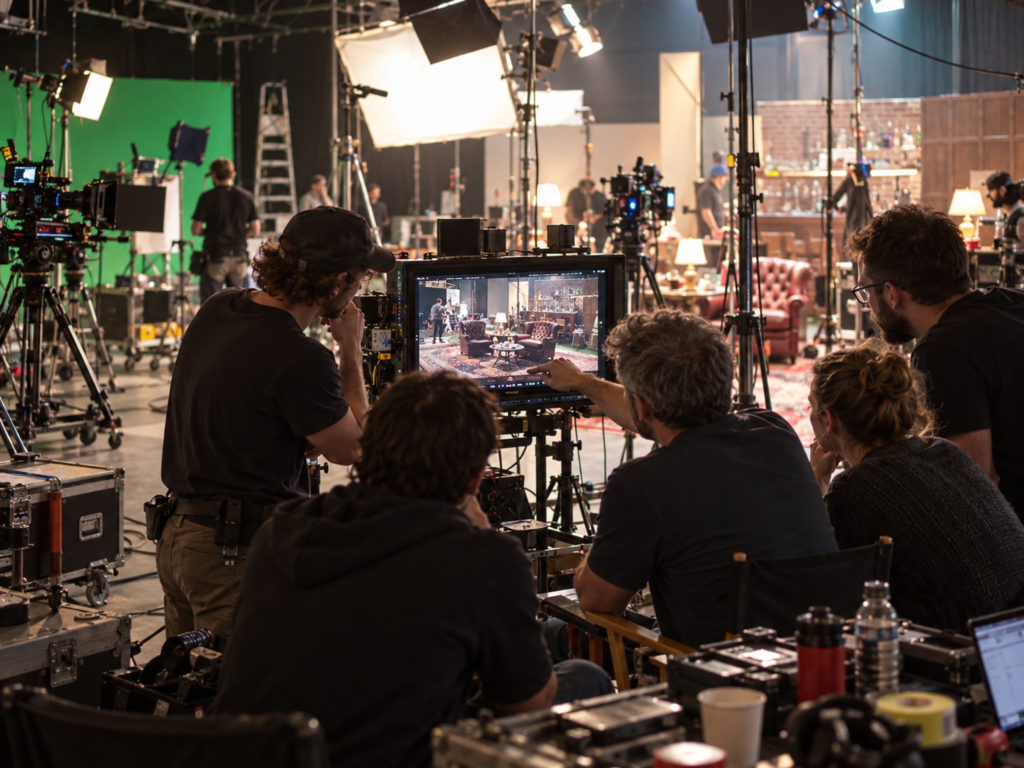
The most useful change during production is that rushes can begin acquiring an information layer while filming is still underway.
For dialogue-led material, automatic transcription can turn recorded speech into timecoded text as files are ingested. Production notes, slate information and clip metadata can then be associated with the media so that an editor or DIT is not relying only on filenames and memory later. The output is not a finished editorial log. It is a searchable draft of what was captured.
Workflow: camera and audio files → timecoded transcript and metadata → searchable rushes → production or editorial check → corrected log.
The human check is still important because speech recognition can fail on names, brand terminology, accents, overlapping speakers, quiet lines or production jargon. A wrong word in a transcript is usually easy to fix. A wrong speaker label or an incorrect association between a note and a take can be more disruptive because that error can travel into later search and edit decisions.
This can also affect on-set review. If footage is indexed during the shoot, the team may be able to find a line, setup or visual reference before the set is struck. That can help confirm whether required coverage exists. It should not, however, be treated as proof that nothing is missing. Search systems can fail to retrieve footage that is present, so critical coverage still needs a production-side check before a setup changes.
How Search Changes When Footage Becomes Machine-Readable
Traditional logging depends heavily on folder structure, clip names, markers and notes. Machine indexing adds another route into the material.
With semantic search, an editor can look for a visual concept rather than a specific filename or manually entered tag. For example, a request for “close-up of hands adjusting the product” may return relevant portions of longer clips if the system has indexed their visual content.
Some current editing systems can return specific ranges within a source clip rather than simply showing the entire file. Visual search can match concepts, but its capabilities vary between systems and it should not be assumed to identify every person, object or piece of text within the frame.
Workflow: indexed rushes → natural-language query → ranked matching moments → editor opens candidate ranges → verification against the source.
This not only changes the cost of finding material, but it also introduces a potential new kind of failure: the false negative. When an intelligent search returns no result, it can be tempting to assume the shot does not exist. For important story points, legal lines, product details or continuity checks, search results ought therefore to be treated as candidates rather than as a complete inventory of the footage.
A failed semantic search means “not found by this search”, not necessarily “not present in the footage”. For important material, trying an alternative description or another search method may find something the first search missed.
How Transcript-Led Editing Can Change the Rough Cut
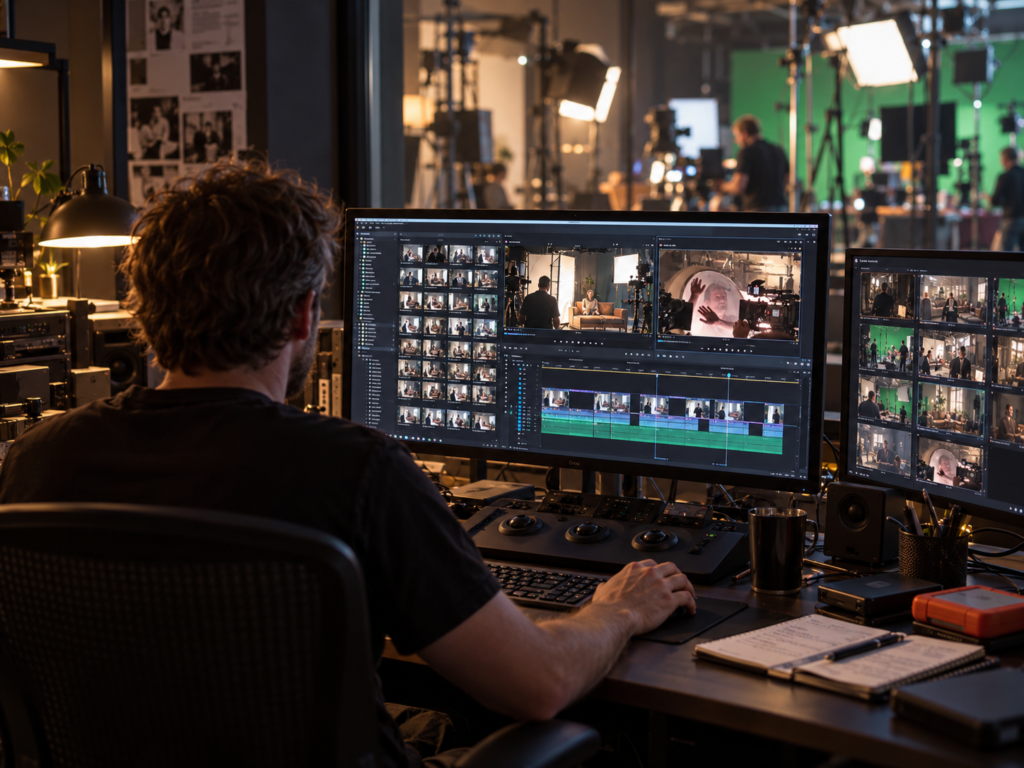
For interviews, factual programmes and corporate video production, a transcript can become an editable representation of the timeline.
In text-based editing, selecting, deleting or rearranging words in a transcript can trim and reorder the corresponding video because the text is linked to timecode. Current professional editing software supports workflows of this kind, allowing an editor to work with the spoken content without repeatedly scrubbing through every source clip.
This can make transcript-led editing particularly useful at the assembly stage of AI video editing. An editor can search for a subject, isolate relevant answers and build a content-first rough cut before refining the picture, rhythm and performance in the conventional way.
Workflow: transcribed interviews → selected passages → transcript assembly → linked rough-cut timeline → editor refines picture, rhythm and performance.
The important limitation is that the words are only one layer of the recorded material since a transcript does not necessarily convey a pause that gives a line weight, a reaction shot that changes its meaning, an eyeline that affects a possible cut, or a visual contradiction between what someone says and what the camera shows.
Two takes may also contain identical dialogue while being quite different performances. Depending on the production and editing workflow, useful information about preferred takes can be carried alongside the transcript through ratings, markers, notes or other metadata. Where that information has not been recorded, however, the transcript alone cannot tell an editor which performance is preferable.
Transcript-led editing is therefore best regarded as a faster way into the material rather than a substitute for watching it. Used alongside appropriate production notes and metadata, it can accelerate the process without discarding information that the words themselves cannot convey.
Where Does AI Change Picture Finishing?
Picture finishing in AI post production contains several tasks that may all be described as AI-assisted, but they have very different risk profiles.
The first category is transformation based largely on existing image information.
With automatic reframing, software analyses the action in a shot and generates a crop path for a new aspect ratio. That is useful when a 16:9 master also needs vertical or square versions. The output still requires a composition pass. Fast movement, multiple subjects, deliberate negative space, graphics, products close to the edge of frame or a speaker moving across a set can all cause an automated crop to follow the wrong priority.
The second category is segmentation.
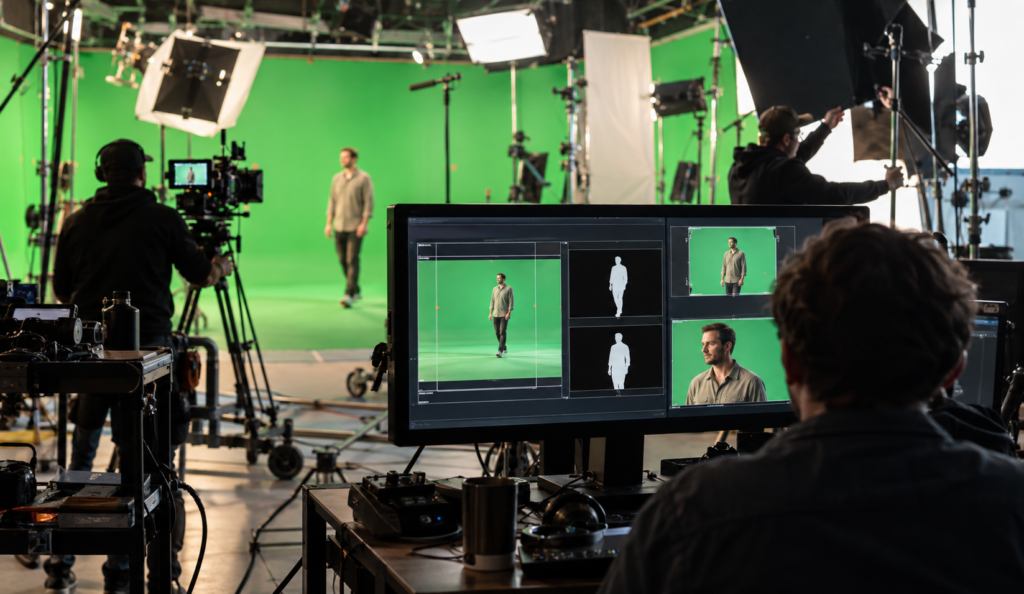
Modern rotoscoping can begin with AI-assisted subject selection and propagate a matte across multiple frames, reducing the amount of frame-by-frame masking required. The compositor still needs to inspect difficult edges including hair, motion blur, transparent materials, occlusion and rapid changes of shape. Where subject isolation or background replacement is planned from the outset, shooting in a controlled green screen studio can provide cleaner source separation and reduce the amount of corrective work required later.
Generative modification goes a step further because the system is no longer simply finding or isolating information that was recorded. It may be creating pixels that were never photographed.
That distinction is useful when deciding how much review an automated process requires:
finding recorded information → transforming recorded information → generating new information
As the workflow moves from finding or transforming recorded information towards generating new material, questions of visual accuracy, continuity, provenance and approval become increasingly important.
What Changes in Sound, Translation and Localisation?
AI-assisted sound tools can make dialogue easier to work with by identifying speech, reducing unwanted background noise and improving intelligibility. This can be particularly useful with interviews, documentary material and location recordings where perfectly controlled conditions were not possible.
But dialogue enhancement can also be over-applied. Removing too much room tone or background information can make speech sound unnaturally isolated, while aggressive processing may introduce artefacts or alter the character of a voice. The objective is not necessarily to make dialogue sound as though it was recorded in silence, but to make it clear and appropriate to the scene.
Adapting material for different languages and territories introduces a different set of possibilities. Transcription can feed subtitle creation and translation, while synthetic or cloned voices can potentially create alternative-language versions without recording every line again.
But that convenience introduces questions that are not merely technical. A synthetic version of somebody’s voice raises issues of consent, rights, disclosure and approval. Translation also requires human checking because a linguistically plausible sentence may still be wrong for the context, brand or intended audience.
Does Better AI Reduce the Importance of Capture Quality?
Not really. In many cases it makes good capture more valuable because clean source material gives automated tools better information to work with.
A transcript is more reliable when dialogue is clear. Subject isolation is easier when edges are well defined. Automated reframing has more options when the original composition contains sufficient resolution and usable space. Dialogue enhancement works better when it is improving a reasonable recording rather than attempting to reconstruct one that was badly compromised from the outset.
AI can move effort around the production chain, but it does not make capture conditions irrelevant.
That is particularly important when deciding whether a problem should be accepted on set because it can supposedly be “fixed in post”. Sometimes it can. The more useful question is whether fixing it later is actually cheaper, faster and more reliable than correcting it while the cameras, performers, lighting and set are still available. That remains one of the practical advantages of working in a properly equipped video studio in London : problems can often be identified and corrected while the complete production setup is still available.
| Production area | What AI can assist with | What still needs human review |
| Rushes and logging | Transcription, metadata and searchable indexing | Speaker labels, take associations and missing footage |
| Editing | Transcript-led assembly and footage search | Performance, rhythm, context and meaning |
| Picture finishing | Reframing, rotoscoping and subject isolation | Composition, difficult edges, continuity and visual accuracy |
| Sound | Dialogue cleanup and speech enhancement | Artefacts, room tone and whether the voice still sounds natural |
| Localisation | Subtitles, translation and synthetic voice versions | Meaning, terminology, pronunciation, consent and approval |
Where Does Human Review Still Matter?
The common feature of the most useful AI-assisted workflows is that they produce something a person can inspect.
- A transcript can be corrected.
- Search results can be checked against the rushes.
- A rough cut can be watched.
- A roto matte can be inspected frame by frame.
- A reframe can be judged as a composition.
- Enhanced dialogue can be compared with the original recording.
- A translation can be reviewed by somebody who understands both the language and the context.
Problems become harder when an automated result is treated as authoritative simply because it arrived quickly.
For professional production, AI is therefore most useful where the workflow makes the review point explicit. The objective is not to remove people from the process, but to reduce the amount of repetitive work they have to complete before applying judgement.
What Should a Production Decide Before Using AI Tools?
Before introducing an AI-assisted tool into a production workflow, it is worth establishing several practical points.
- What material is being uploaded, and where does it go? Confidential footage, unreleased products, personal information and commercially sensitive material may require different treatment from public assets.
- Can the output be checked against the source? A tool that saves time while preserving an obvious route back to the original material is easier to supervise than one that obscures what it has changed.
- Does the tool create or merely analyse material? Searching footage and generating new imagery raise different questions of provenance and approval.
- Who has authority to approve the result? Faster generation does not remove the need for somebody to decide whether the output is technically, editorially and legally acceptable.
- And finally, does the automation actually save work? A tool that produces results quickly but requires extensive correction may simply move labour from one stage of production to another.
What Actually Changes?
AI does not create one new video-production workflow. It is more that it can change individual stages by making more of the production searchable, machine-readable and open to automated first passes.
The practical gains can be substantial: faster logging, searchable rushes, transcript-led assemblies, assisted reframing and rotoscoping, dialogue cleanup and more efficient localisation.
But each gain comes with a corresponding review point. Search results need verification. Transcripts may need correction. Automated crops need composition checks. Generated material needs scrutiny. Synthetic voices and translations need appropriate consent and approval.
The useful question is therefore not whether a production should “use AI”. It is where automation removes repetitive work without removing the human judgement that gives the material its meaning.